

The Flipkart Search Scraper extracts product listings from any Flipkart search results page directly into Google Sheets — titles, prices, brands, product links, and images – giving you a structured, actionable view of what shows up when customers search on Flipkart.
Get started right away with our free Google Sheets template.

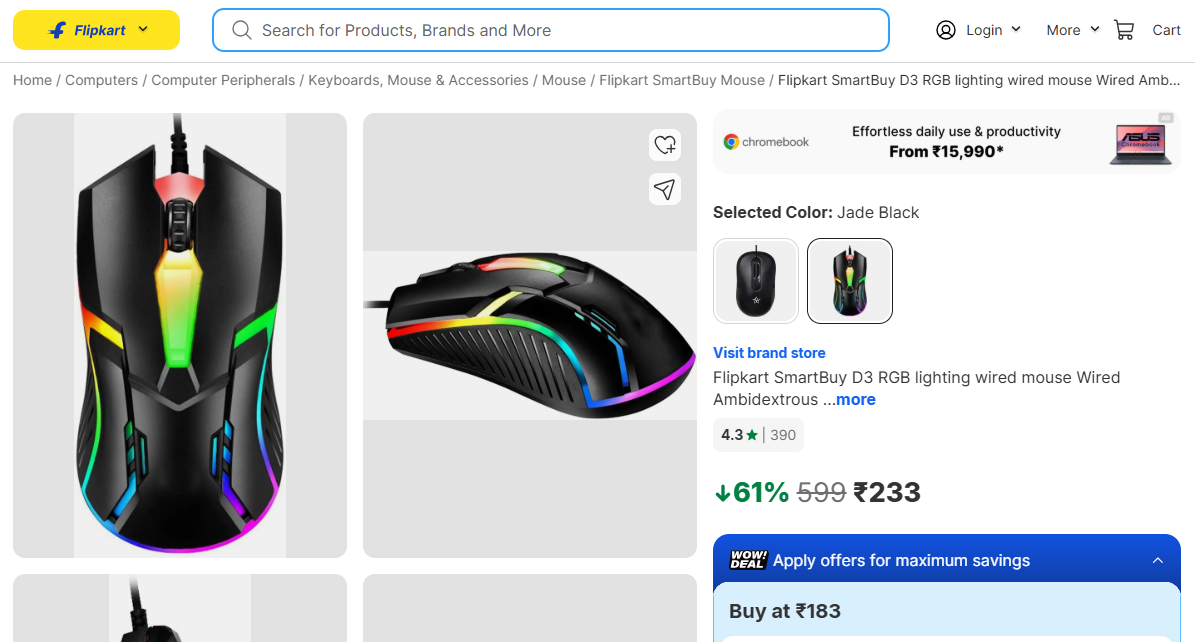

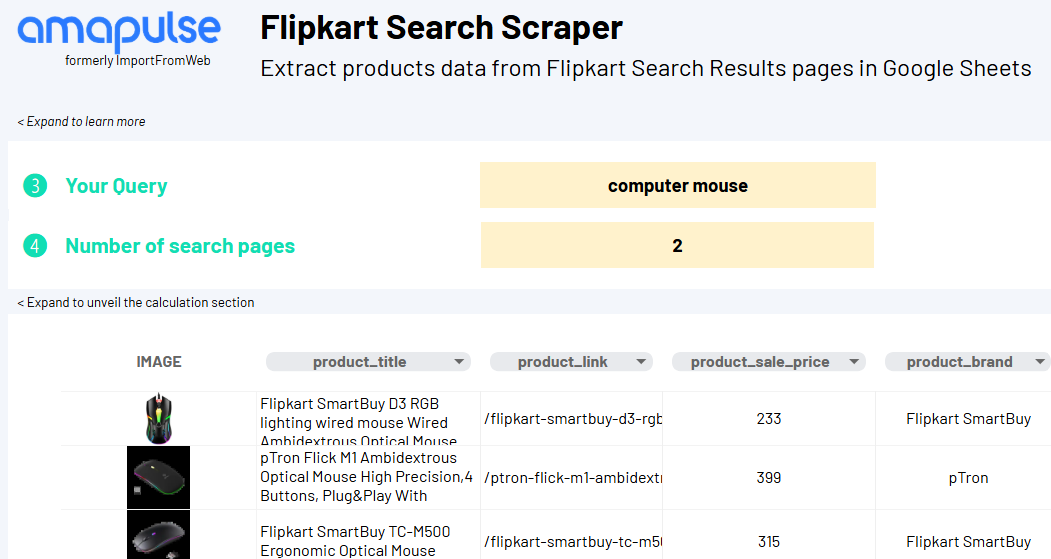


Get started with our ready-to-use template
Enter any Flipkart search results URL into our free Google Sheets template and get instant access to:
🖼️ Image for a quick visual reference of each product in the results
🛍️ Product title for immediate context on every result returned by the search
🔗 Product link for direct access to each listing returned in the search
💸 Sale price to compare pricing across the results and spot positioning opportunities
🏷️ Brand to identify which players are showing up and how prominently
Ready to start?
Use our ready-to-use Google Sheets template with pre-configured formulas
How to monitor Flipkart search results?
Flipkart’s search results page is a direct reflection of how competitive a category really is – which brands dominate, how prices are positioned, and which products win visibility for any given keyword. For sellers and brands operating on Flipkart, manually reviewing search results across multiple keywords is slow and impossible to scale.
Enter any Flipkart search URL into Google Sheets – the Flipkart Search Scraper extracts every listed product in seconds, organizing titles, prices, brand names, and images into a structured, ready-to-analyze table. Use it to audit your own search visibility, benchmark competitor pricing, or track how rankings shift across your key search terms over time.
Who is it for?
- Brands tracking their Flipkart search rankings
See exactly where your products appear for the keywords that matter and how your pricing compares to everything else on the page. - Market research teams studying Flipkart categories
Identify which brands and products consistently win visibility across categories and spot underserved segments worth pursuing. - Marketing teams auditing search performance
Pull structured data across multiple search terms to evaluate how well your catalog is represented on Flipkart’s results pages. - Pricing analysts comparing offers by search term
Compare every price shown for a given keyword and adjust your positioning based on what shoppers actually see first. - Buyers and category leads scouting the competitive field
Use search result data across Flipkart categories to map the competitive set before making sourcing or assortment decisions.
Ready to start?
Use our ready-to-use Google Sheets template with pre-configured formulas