
Use the =AMAPULSE() sidebar
Last updated:May 20, 2026
Amapulse (formerly ImportFromWeb) comes with a sidebar for Google Sheets that opens when you activate the add-on on your spreadsheet. It has been designed to help you onboard and get to know with all the Amapulse potential.
We recommend you to keep it opened when you use Amapulse as it improves the scraping performances.
Please note that the sidebar should open automatically if your spreadsheet already contains some Amapulse functions.
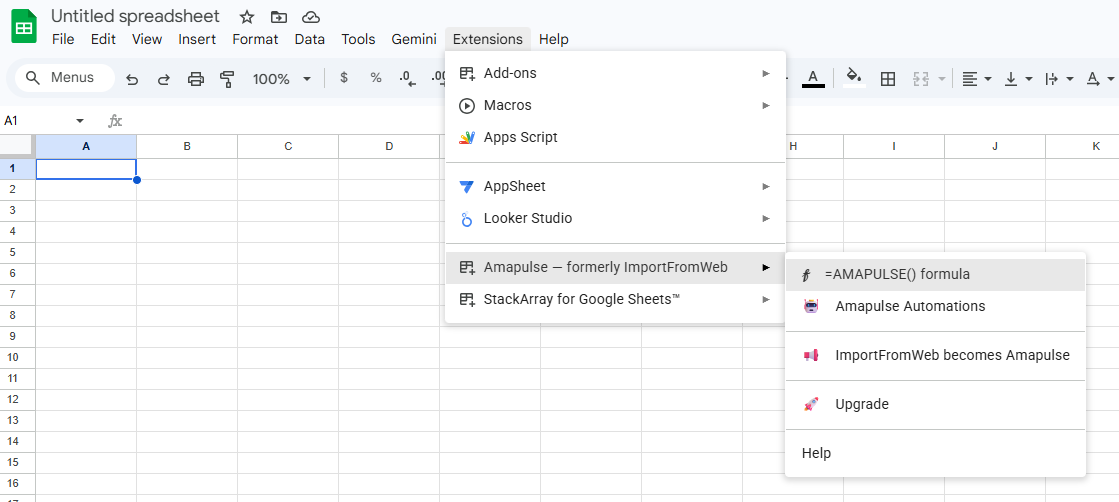
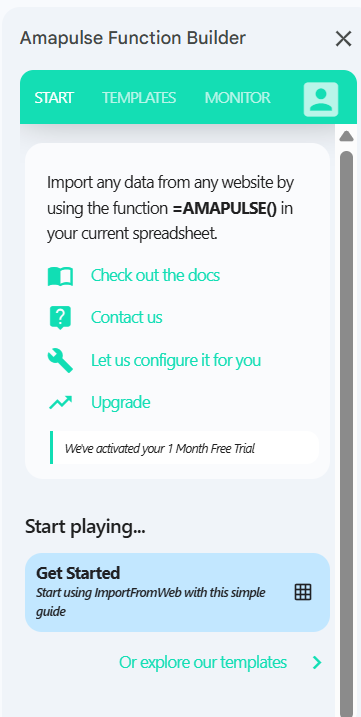
The sidebar contains 4 sections:
- START: Access the Amapulse documentation, contact us and get started with a simple google sheets template
- TEMPLATES: load our built-in configurations to extract data from mainstream websites like Amazon, Google, Yahoo Finance, LInkedin …
- MONITOR: re-run your functions to update data, monitor your functions, get their metadata, understand the errors
- ACCOUNT: follow your activity and usage, manage your account and subscription
Check out this video to explore all the sidebar features.